

Welcome to Salesforce Ben Courses! We are so thrilled to have you here and hope that we can help you upskill and advance your Salesforce career.
Here are a few tips about navigating our Courses platform to help you get started.
Course Content
The Course Content page will show you the lessons and topics. You can see which have been completed and which are yet to do. Click on the arrows to see the topics in each lesson.
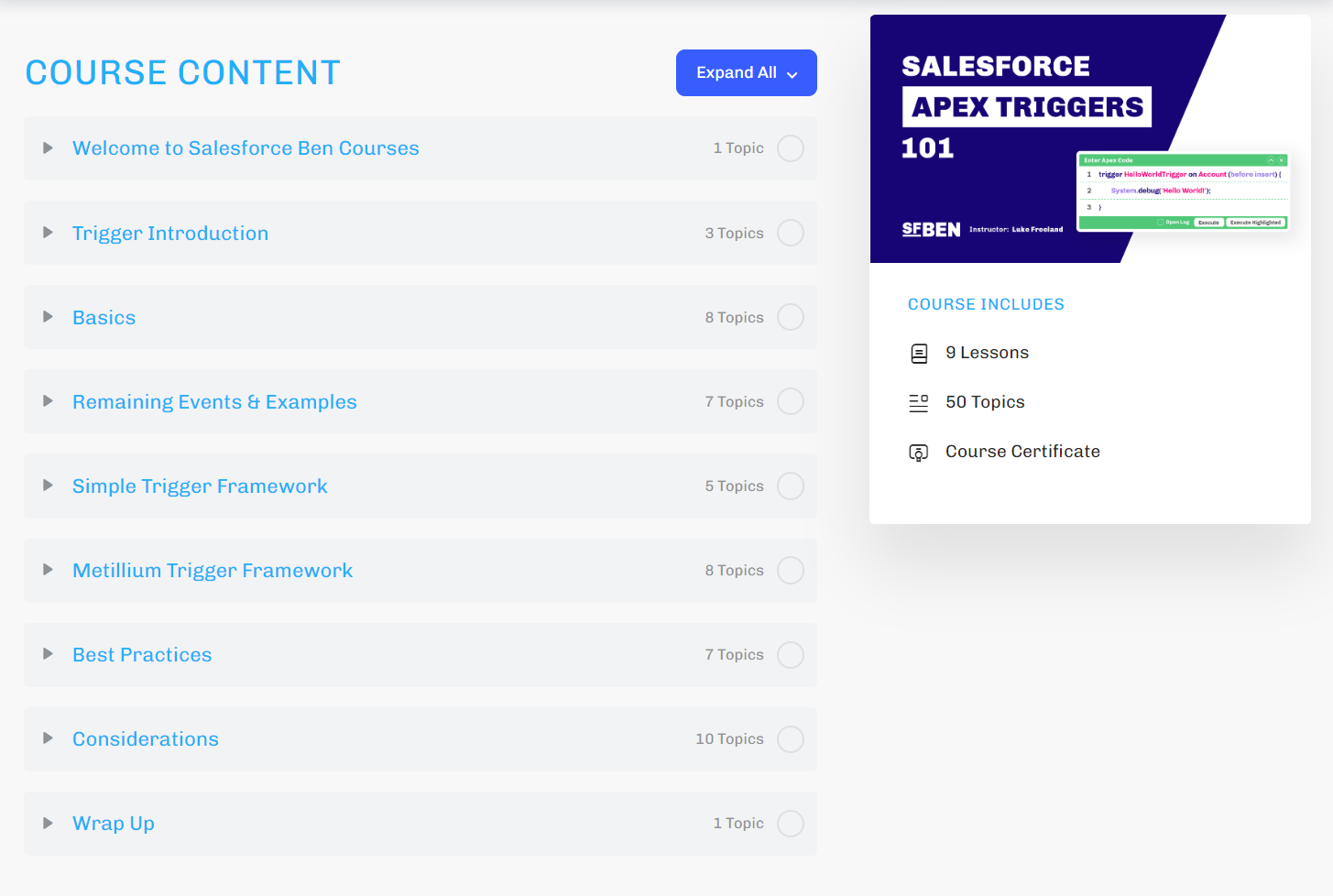
Navigation
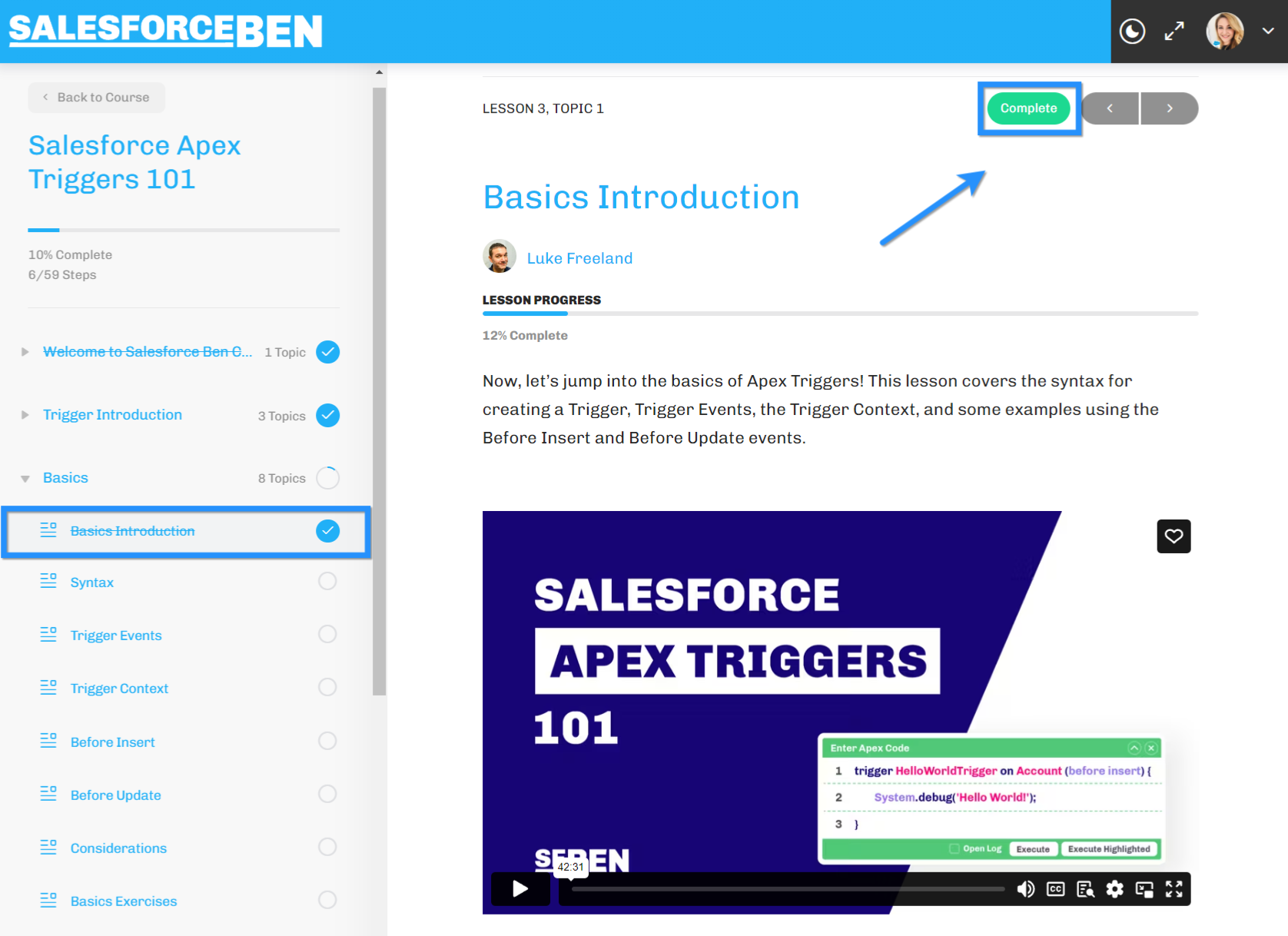
At the end of each lesson and topic, you have the option to mark them complete. You can still come back to them if needed.
Our courses are “freeform”, meaning you can take them in whatever order you like! You don’t have to do them in the order set out in Course Content but it is often useful to do them in this order as lessons and topics will build upon each other.
You can move back and forth using the arrows or from the side bar.

Materials Tab
When we have additional recommend resources for you, you’ll see the “Materials” tab is available. We might include links to other relevant Salesforce Ben guides, Salesforce Help articles, Trailhead modules and more.
Mark Complete
As you move through the course, don’t forget to mark the lessons and topics as “Complete”.
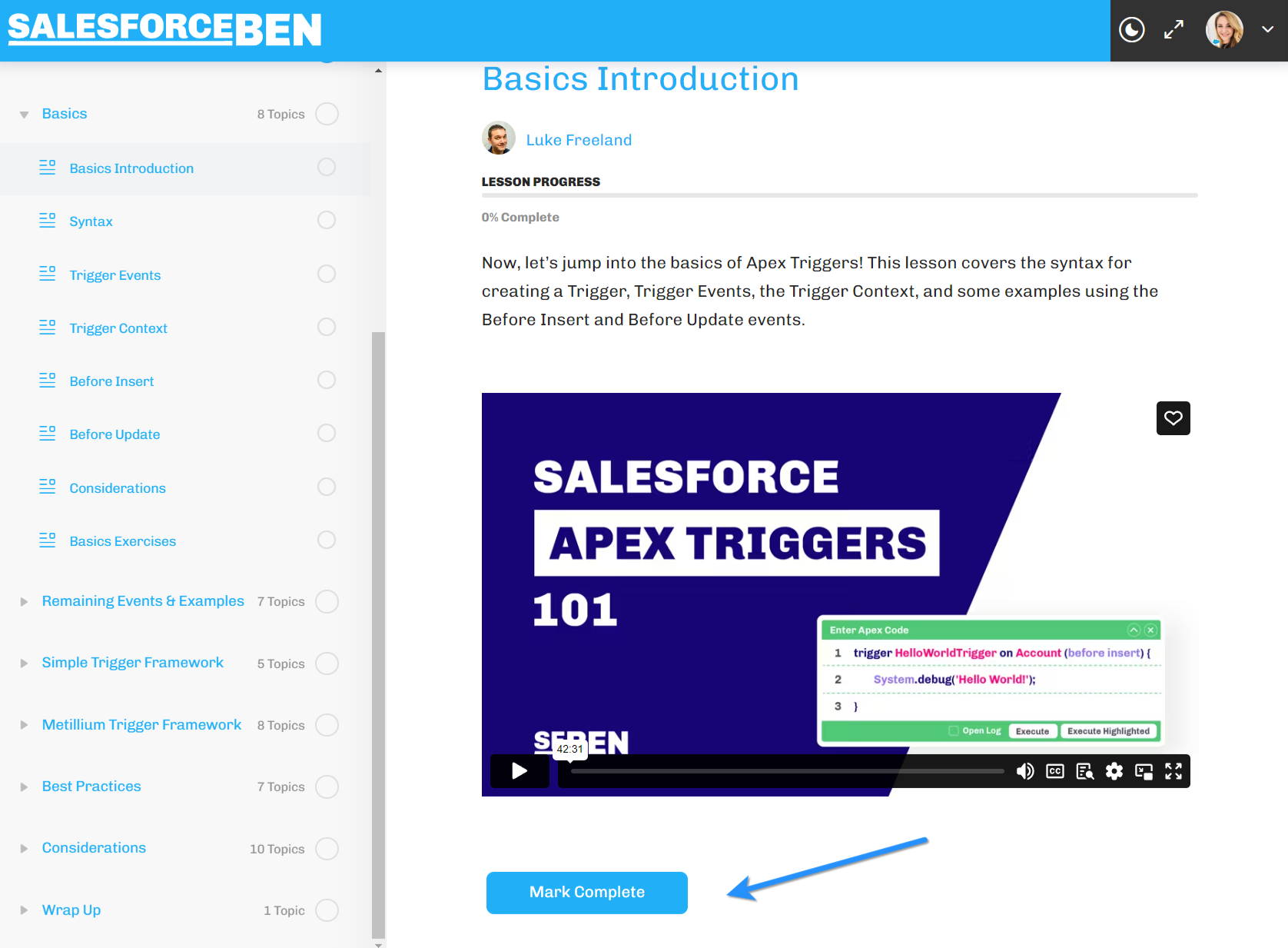
This will track your course progress and once everything is marked as complete, you’ll be able to download your course completion certificate!
Course Certificate
If every lesson and topic is marked as complete, you will be able to download your certificate of completion via the Course Content page.
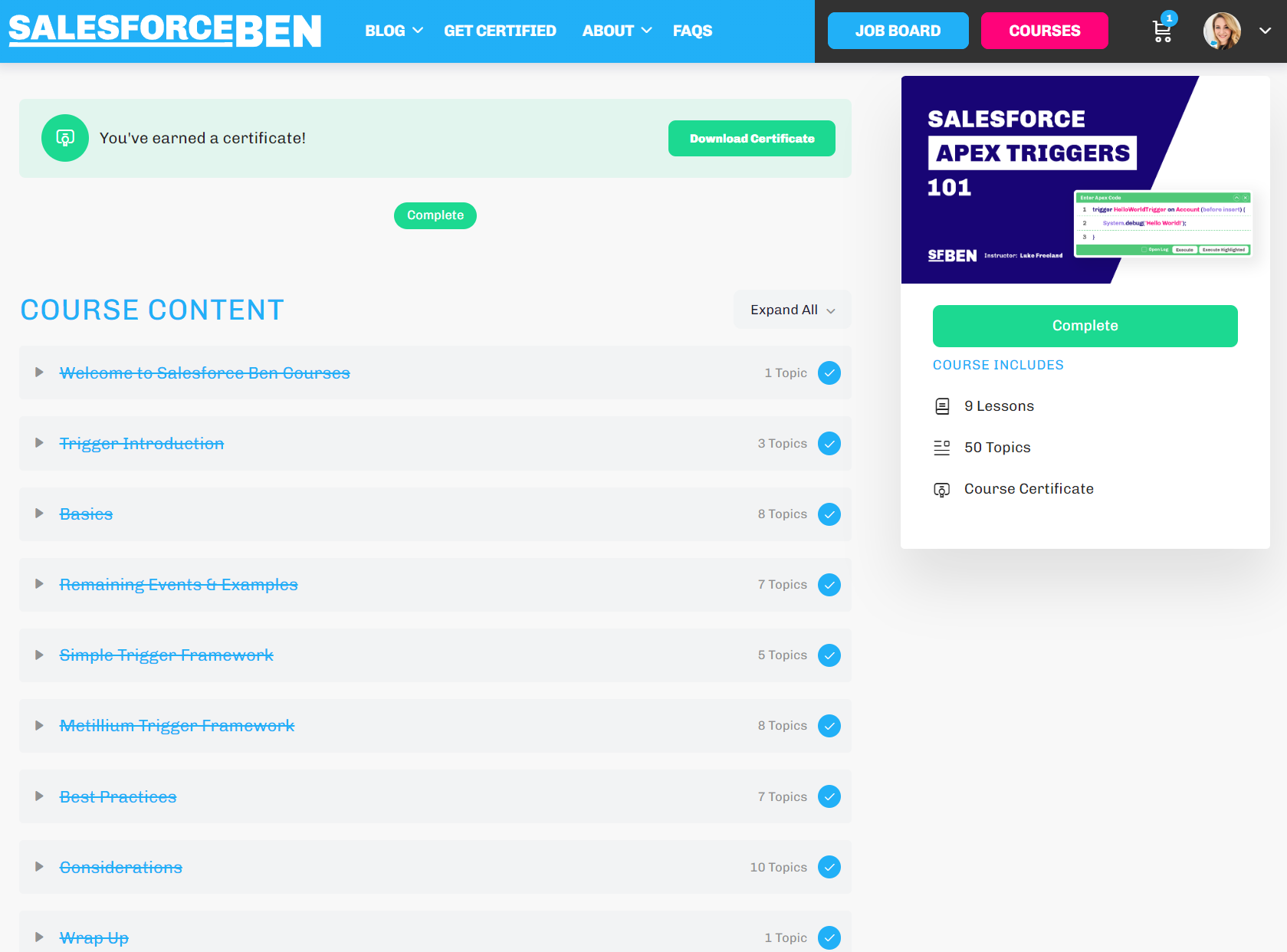
If you’d like to share it on social media, please do tag Salesforce Ben and the Course Instructor, as we would love to celebrate your success.
Written Lessons & Videos
To support all learning styles, we’ve provided the course in written and video formats. You can choose to read the written guides, watch the videos, or even better – both!
You’ll also find a walk through of the exercises as a video and as flip cards. We recommend you try the exercises yourself first and then watch the video tutorial and explanation.
Summary
If you experience any issues, please get in touch with us at support@salesforceben.com.